SAAS Platform News HotList.biz CMS
Updates on the platform for creating sites and online stores HotList.biz

Updates and News

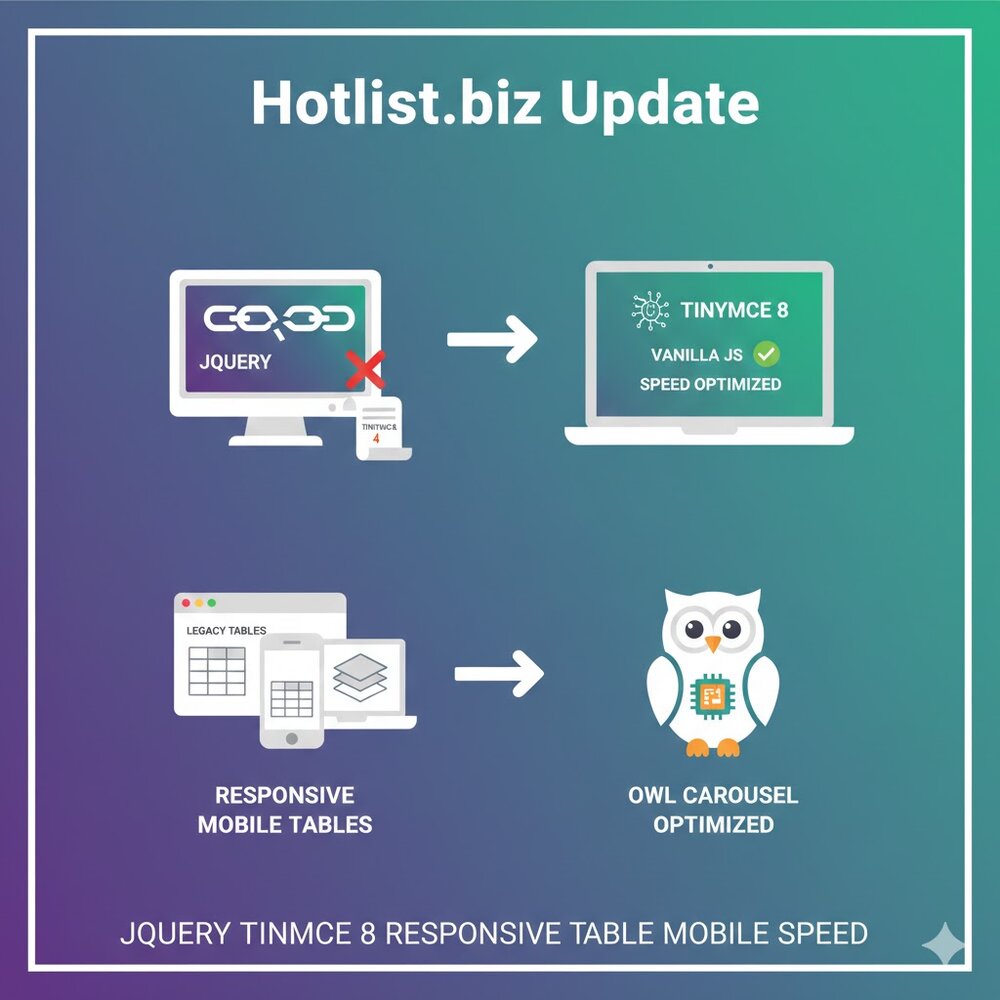
Hotlist.biz Updated to TinyMCE 8 and Other System Plugins

We are pleased to announce a major technical update to the Hotlist.biz platform. The main goal of these changes is to increase interface speed, ensure modern compatibility, and implement our strategy for a gradual, complete transition from the jQuery library to native solutions.


New TinyMCE 8 Editor in Pure JavaScript

The visual content editor has been updated to TinyMCE 8. The key feature of this update is that the editor now runs on pure JavaScript (Vanilla JS), without external dependencies.

  • Instant Loading: The absence of heavy libraries allows the editor to initialize significantly faster.
  • Stability: More predictable code behavior and no conflicts with other scripts on the page.
  • Modern Interface: Improved ergonomics and support for the latest web development standards.


Table Responsiveness: hotengine_mobile_table Plugin

We have completely redesigned the script for displaying tables on mobile devices. A new plugin, hotengine_mobile_table, was developed specifically for Hotlist.biz.

Working with data has now become even more flexible:

  • Automatic transformation of tables to fit smartphone screen sizes.
  • Full Control: We have retained the ability for users to manually enable or disable mobile view for each specific table in the settings.

Smart Update for Widgets and Owl Carousel

Updates also affected system widgets, with a strong focus on resource optimization:

  • Intelligent JQuery Owl Carousel Loader: The carousel script now independently checks for the presence of jQuery in the system. The library will be loaded in the background only when absolutely necessary, significantly saving traffic and speeding up page rendering for most users.
  • Minimizing Dependencies: Widgets are systematically being migrated to modern data processing standards.

These updates are another step toward a faster and more modern Hotlist.biz. We continue to optimize the code, making the platform lighter and more technologically advanced.

On the Hotlist.biz platform, jQuery FlexSlider has been replaced with pure JavaScript

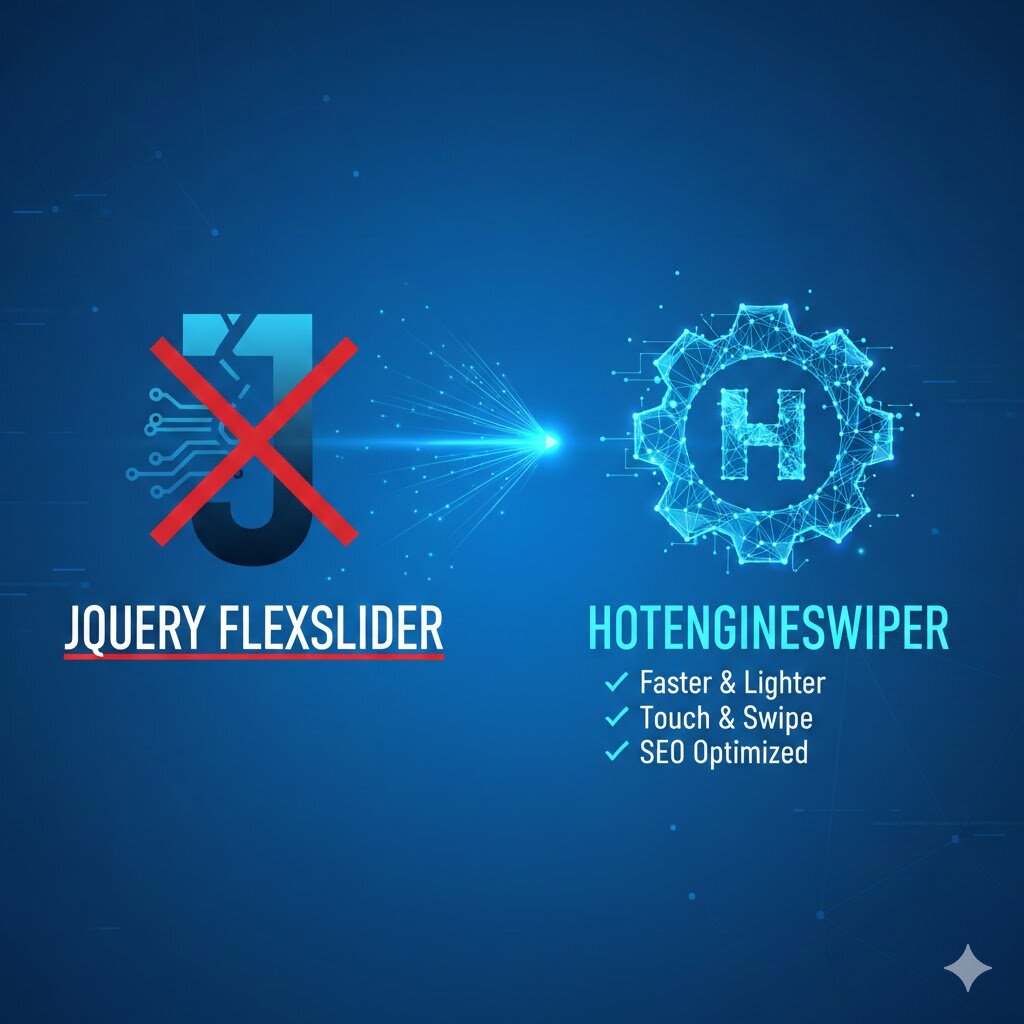
On Hotlist.biz, the slider has been migrated to a proprietary software component — HotengineSwiper. This solution replaces the outdated jQuery FlexSlider as part of a strategy to completely eliminate heavy external dependencies.


Key advantages of HotengineSwiper:

  • Performance: Removing the jQuery dependency reduced script initialization time and decreased the overall page weight.
  • Improved UX: The component is written in Vanilla JS using modern Pointer Events, ensuring a stable touch interface and smooth swipe behavior on mobile devices.
  • Load optimization: Native Lazy Load support and dynamic container height recalculation prevent layout shifts and save bandwidth.
  • SEO efficiency: Clean code and fast slide rendering directly improve Core Web Vitals metrics, which is critical for search engine optimization.
HotengineSwiper is a faster, lighter, and more functional tool adapted to modern web development standards and search engine requirements.

Switch from Jquery jGrowl to custom hotengine_notify module

As part of our performance improvement strategy, we have completely replaced JQuery jGrowl with pure JavaScript.


The new module hotengine_notify is our own solution that fully preserves the familiar notification logic, but removes unnecessary dependencies and heavy libraries from the project.

What changed?
  • Speed: No JQuery makes notification initialization instantaneous.
  • Weight: The module code is reduced several times compared to the original plugin.
  • Native: Full support for modern ES6+ standards.

Guide for developers and integrators

The hotengine_notify functionality is fully identical to jGrowl. If you used custom calls in your scripts, you only need to change the function name. All key parameters (life, header, sticky, theme) work the same way as before.

Usage examples

1. Basic call (Informational message)

Simple notification that disappears automatically after 3 seconds.

hotengine_notify('Changes saved successfully');
2. Important notification (Sticky Error)

Use the error theme for critical errors. This message will not close until the user clicks the cross.

hotengine_notify('Access error to section', { 
    header: 'System interruption', 
    theme: 'error', 
    sticky: true 
});
3. Using Callback functions

Now you can easily execute code when closing the notification via beforeClose. Useful for working with cookies or sending statistics.

hotengine_notify('You have a new notification', { 
    beforeClose: function(el, msg) {
        // Example: set a read cookie for 24 hours
        document.cookie = "notify_read=1; path=/; max-age=86400;";
    }
});

Interface localization

All text elements (e.g., the “Close all” button) have been moved to CSS. The module automatically detects the page language via the lang attribute in the HTML tag. Currently supported:

  • RU: [ Закрыть все ]
  • UK: [ Закрити все ]
  • PL: [ Zamknij wszystko ]
  • EN: [ Close all ]

Hotlist.biz — we work on speed so you can work on results.

Global Script Update and Transition to Pure JavaScript

As part of a global update, all core scripts of the Hotlist.biz platform websites have been rewritten to work almost without using the jQuery library.


Benefits of this approach:

  • Reduced page weight: no need to load the entire jQuery library, which decreases script size and speeds up page rendering.
  • Improved performance: native JavaScript runs faster, especially on mobile devices and low-powered browsers.
  • Dependency control: each script is loaded only when required.
  • Flexibility and scalability: the code can be easily adapted to new features without being tied to a specific jQuery version.

Current implementation:

  • In the admin center, jQuery is still loaded automatically to support legacy plugins.
  • On the frontend, websites can now operate entirely on pure JavaScript.
  • All libraries and additional scripts are loaded dynamically, on demand, for specific user tasks, without preloading large files.

Main updates:

  • Pop-up windows and the form builder have been completely rewritten in native JS.
  • Product widgets: product slider, swipe mode, touch scrolling, and dynamic content loading on scroll.
  • Menus: updated scripts for the main menu and the simple mobile menu.
  • Product sorting scripts have been updated.
  • Cart and product adding:
    • The product add-to-cart module has been updated.
    • The spinner and quantity switcher for adding products to the cart have been updated.
    • The script for displaying product variants in lists and during mouse-based editing has been updated.
    • The script for displaying products added to the cart (hover popup on the cart icon) has been updated.
  • AJAX requests have been fully rewritten in standard JavaScript for loading pages, products, articles, forms, and comments.

Future plans:

  • A gradual transition to a fully modular architecture without jQuery, while maintaining compatibility with the administrative interface.
  • Since many users rely on their own jQuery-based scripts, a global option will be introduced to enable loading the library on the site when needed.

Hotlist.biz Mobile Menu Widget Update: Complete Removal of jQuery

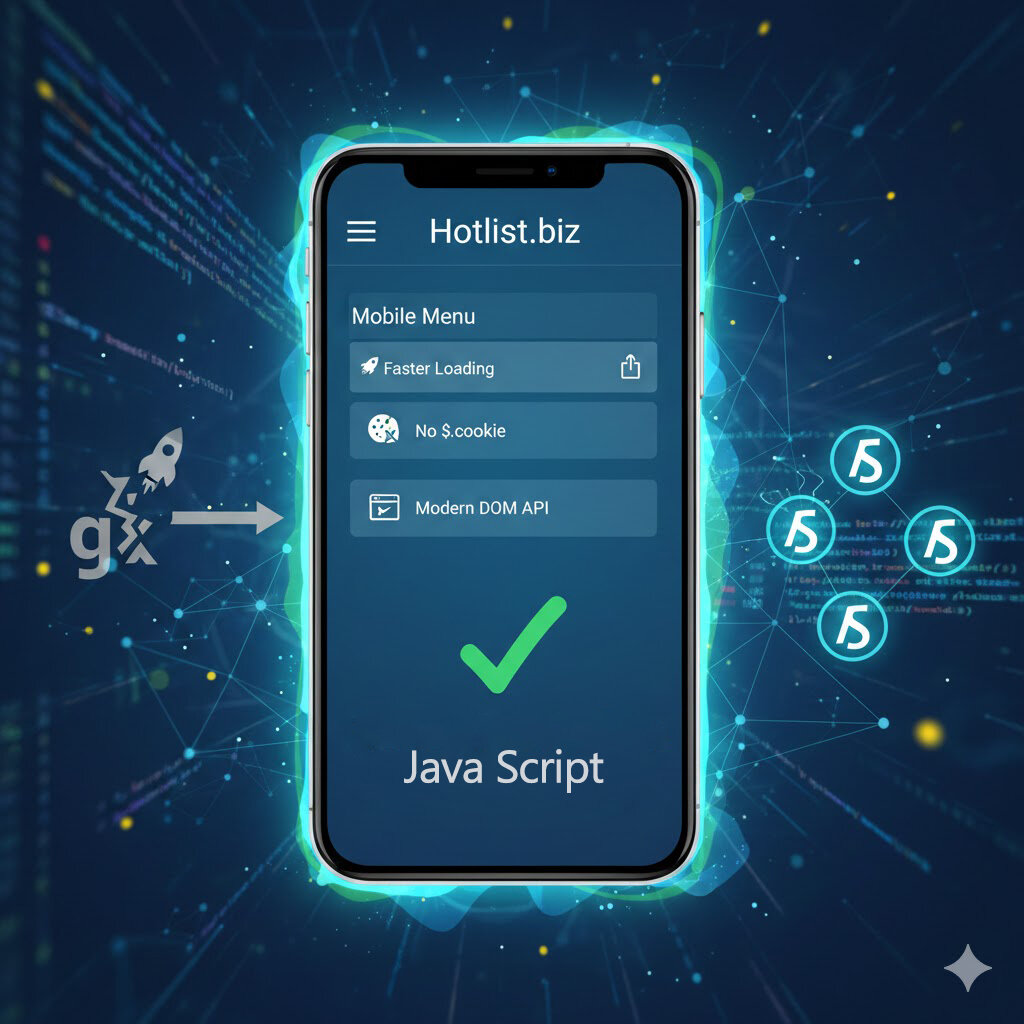
The mobile menu widget on Hotlist.biz has been updated. The main change is the complete removal of the jQuery library. Now all menu elements and interactive functions are implemented using pure JavaScript.

This approach offers several key advantages:

  • Faster page loading. Previously, the menu waited for jQuery to load, which delayed the display of elements on mobile devices. Switching to native JavaScript eliminates this wait, making the menu instantly responsive.
  • Full removal of $.cookie. The jQuery Cookie library is no longer used to store user settings and menu state. All cookies and local storage are handled with standard JavaScript methods.
  • Modern DOM handling. Opening and closing the menu, switching tabs, and handling events are now done using standard DOM API methods, increasing stability and compatibility across devices and browsers.

As a result of the update, the mobile menu is faster, more reliable, and completely independent of third-party libraries, improving the user experience and speeding up the site on all devices.


JavaScript Libraries Updated on Hotlist.biz

We have completely updated all JavaScript libraries on the site to make the interface faster and more stable.

Main Changes:

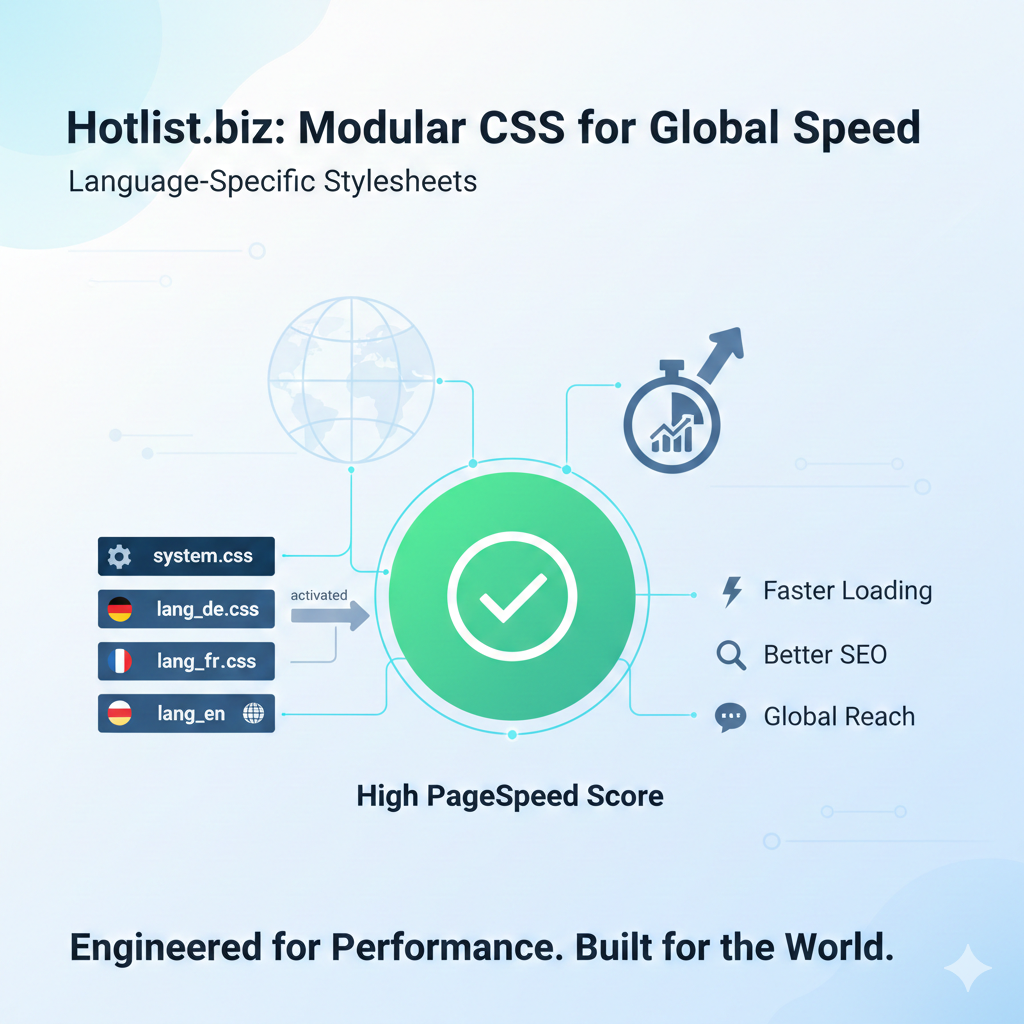
  • New lightweight image gallery: replaced Colorbox (16 KB) with SimpleLightbox (7 KB) – a fully independent JavaScript gallery. This reduces page load, speeds up performance, and makes the gallery independent of the jQuery framework.
  • Full replacement of outdated request methods: all $.ajax, $.get, and $.post calls have been replaced with the standard fetch API. This update is required for the transition to jQuery 4 and the gradual move away from relying on this library.

Benefits of switching to fetch:

  • Fewer dependencies: jQuery is no longer required for asynchronous requests.
  • Modern standard: fetch is built into all modern browsers and supports promises, making it easier to handle results and errors.
  • AbortController support: timeouts and request cancellation are easy to implement, improving interface responsiveness.
  • Better optimization and speed: pages load faster because the amount of code is reduced and the data flow between server and client is simplified.

These updates make Hotlist.biz faster, more reliable, and more convenient for all users. Stay tuned for our upcoming improvements!

Important Update on Hotlist.biz: All Sites Now Have SSL!

We are pleased to announce that all sites on the Hotlist.biz platform now run by default through a secure HTTPS connection. Every site receives an SSL certificate, which enhances user data protection and builds trust in your resource.

This update is an important step in improving the security and reliability of sites on our platform. You don’t need to take any additional action — we have automatically configured certificates for all domains and subdomains.

Now your visitors can be confident that their data is protected, and search engines recognize your site as a secure and modern resource.

Hotlist.biz continues to improve the platform for your convenience and safety!


New markup option in Hotlist.biz advertising exports

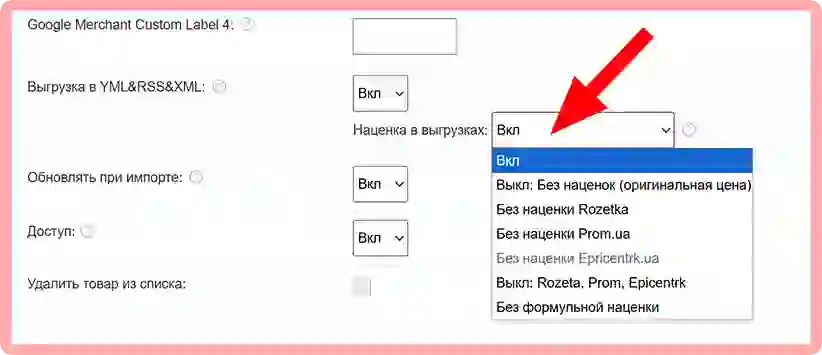
The Hotlist.biz system now includes a new option for managing markups in advertising XML exports (Google Merchant, Rozetka, Prom.ua, Epicentrk.ua, and others).

You can now flexibly control which markups will be applied when generating exports or completely disable them.

Available options

  • completely disable all markups and export the original product price;
  • disable markups only for specific advertising platforms (Rozetka, Prom.ua, Epicentrk.ua);
  • disable only formula-based markups while keeping other pricing rules;
  • use standard markups without changes (default mode) — meaning the markups that are pre-configured for each category in the specific export.

** — on Hotlist.biz, you can set individual markup rules for each category and each advertising platform separately, for example for Rozetka, Epicentrk.ua, or Prom.ua.

This allows you to precisely adjust prices to the requirements of specific advertising channels, avoid unnecessary markups, and increase the competitiveness of your offers.

The new option is already available in the advertising export settings and does not require any additional work.


New menu block position

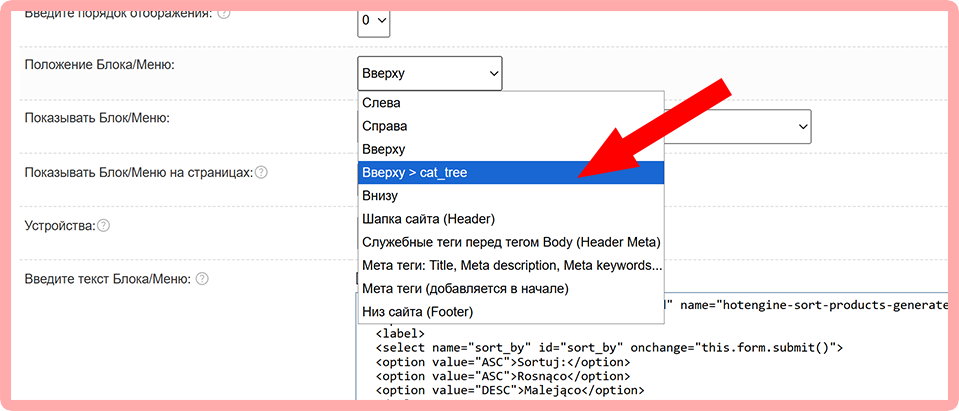
In Hotlist.biz, a new position for the existing menu block has been added — at the top of the page, but below the category tree.


This position is intended for control elements that are logically placed immediately after the category tree and before the main product list.

For example:
  • product sorting
  • additional catalog display options
  • navigation elements

Hotlist.biz Widgets Update: New Script Loading Rules

Hotlist.biz has introduced an important update for all widgets with products, categories, and manufacturers. Previously, the :htmlonly parameter was used to disable loading scripts and styles. Now it is replaced by the new :add-javascript parameter, but with the opposite logic.

What this means:

  • Previously, :htmlonly disabled script loading (useful if you wanted to implement your own dropdown menu script, styles, or other functions).
  • Now, :add-javascript works the other way — scripts and styles are automatically loaded when it is used.
  • All widget functions remain the same, only the logic of script inclusion has become more transparent.

Important:

On all pages and in all blocks/menus where the widget was previously used without the :htmlonly parameter, it has been automatically updated with :add-javascript. This means widget scripts are now loaded correctly without any additional manual setup.


Added Hutko payment system (with support for multiple languages, currencies, and payment methods).

Hutko.org is a Ukrainian payment service that allows businesses to easily and flexibly accept online payments across various sales channels — on websites, landing pages, social media, chatbots, mobile apps, and even offline via QR codes.
It supports bank cards (Visa, Mastercard), e-wallets, Apple Pay, Google Pay, and other payment methods, offers a responsive payment page, automatic currency conversion, and tools for recurring payments and online analytics.


Connection Instructions

Hotlst.biz improves script loading: moving away from $.getScript

The Hotlst.biz team has optimized JavaScript performance on the platform by replacing $.getScript with dynamic creation of <script> elements using plain JavaScript.


Previously, scripts were loaded like this:

Code: JavaScript
$(function(){
if ($(".hotengine-shop-products-add-count-spinner").length){
         if(typeof $hotengine_shop_product_count_spinner == "undefined"){
		        $.getScript("/templates/scripts/hotengine-script-shop-product-count-spinner.js?v33").fail(function(jqxhr, settings, exception) { console.error("Failed to load script: ", exception);
                });
		 }
} 
});

Now, a different approach is used:

Code: JavaScript
$(function(){
    if ($(".hotengine-shop-products-add-count-spinner").length){
        if (typeof $hotengine_shop_product_count_spinner == "undefined"){
            const s = document.createElement("script");
            s.async = true;
            s.src = "/templates/scripts/hotengine-script-shop-product-count-spinner.js?v34";
            s.onerror = (e) => { console.error(`Failed to load script: ${s.src}`, e); };
            document.head.appendChild(s);
        }
    }
});


Why this is recommended:

  • No jQuery required, fewer dependencies.
  • Control over duplicate loading: script is inserted only once.
  • Asynchronous loading improves performance without blocking the page.
  • Simple and predictable error handling via onerror.
  • Code is more modern and compatible with plain JavaScript.

Ajax + JSON product variant loading added

A new method for displaying product variants in the product list has been implemented — on-the-fly loading using Ajax and JSON technologies. This significantly reduces site load and speeds up the initial page load.

Product variants can now be loaded dynamically: when clicking the «Buy» / «Select» button or when hovering the mouse cursor. This approach does not create additional server load and is optimal for most stores with a large assortment.

Important: a paid method is also available in which product variants are displayed immediately in the product list. This option requires payment for extended export, as it increases site load due to the constant loading of all variants.

When using Ajax loading, please note that product sliders and widgets with dynamic scrolling may experience issues with correct variant display. Therefore, this method is recommended for standard product list viewing rather than within sliders or product widgets.


Hotlist.biz adds testing for sending messages via Viber and Telegram

Now you can test sending notifications via Viber and Telegram directly from the control panel.
Additionally, it is now possible to remove subscribers without changing the access key.


New Feature: Image Conversion to WebP

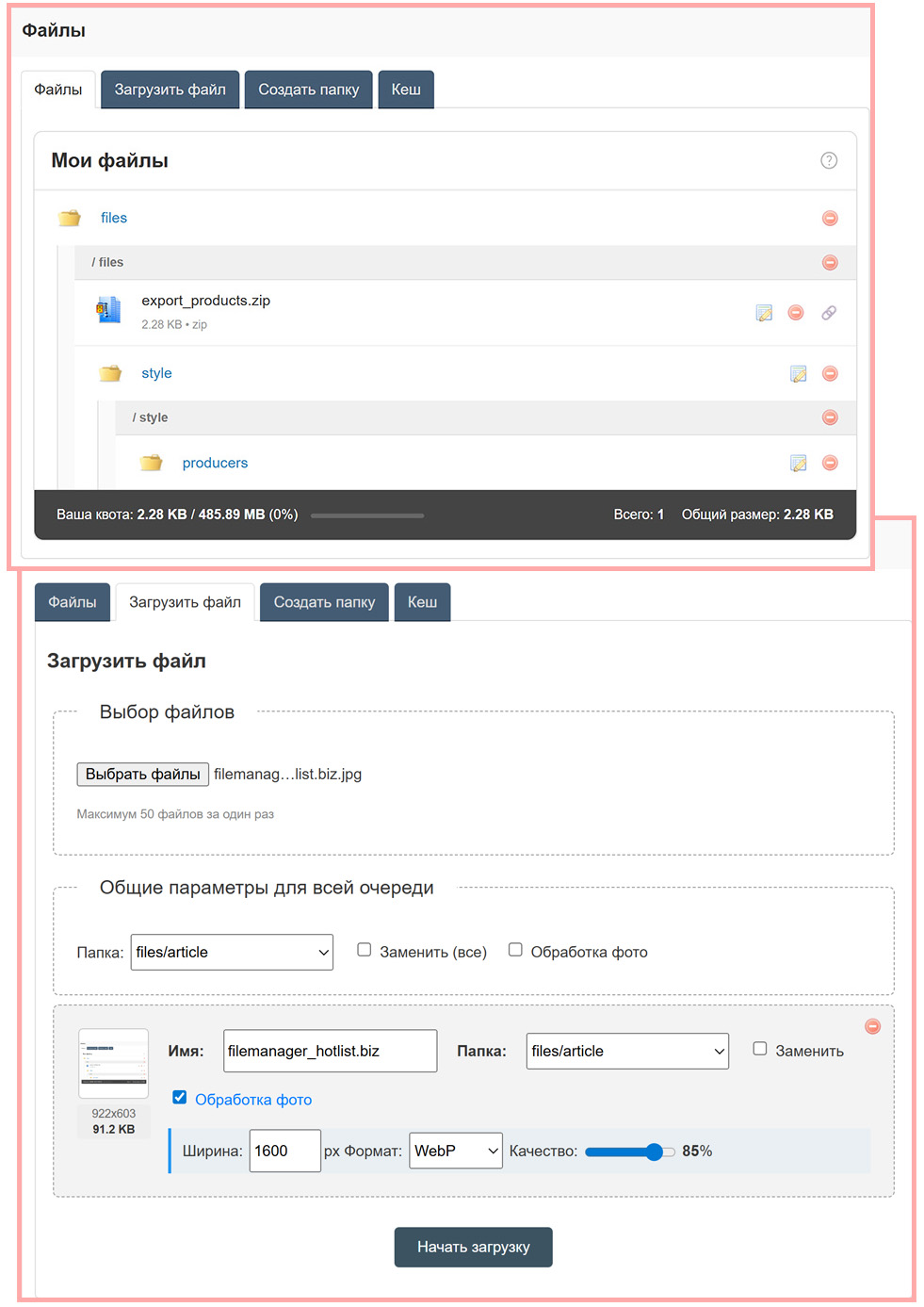
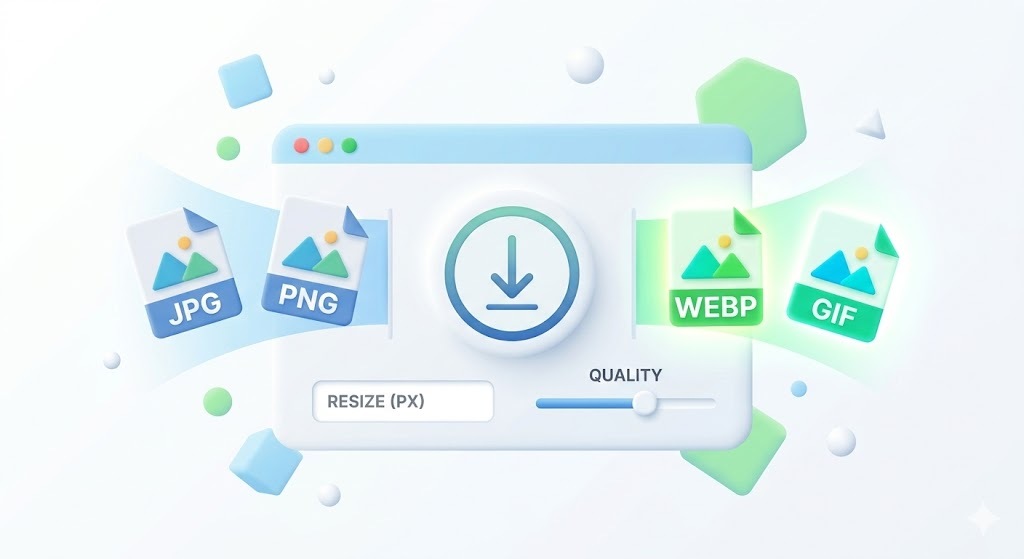
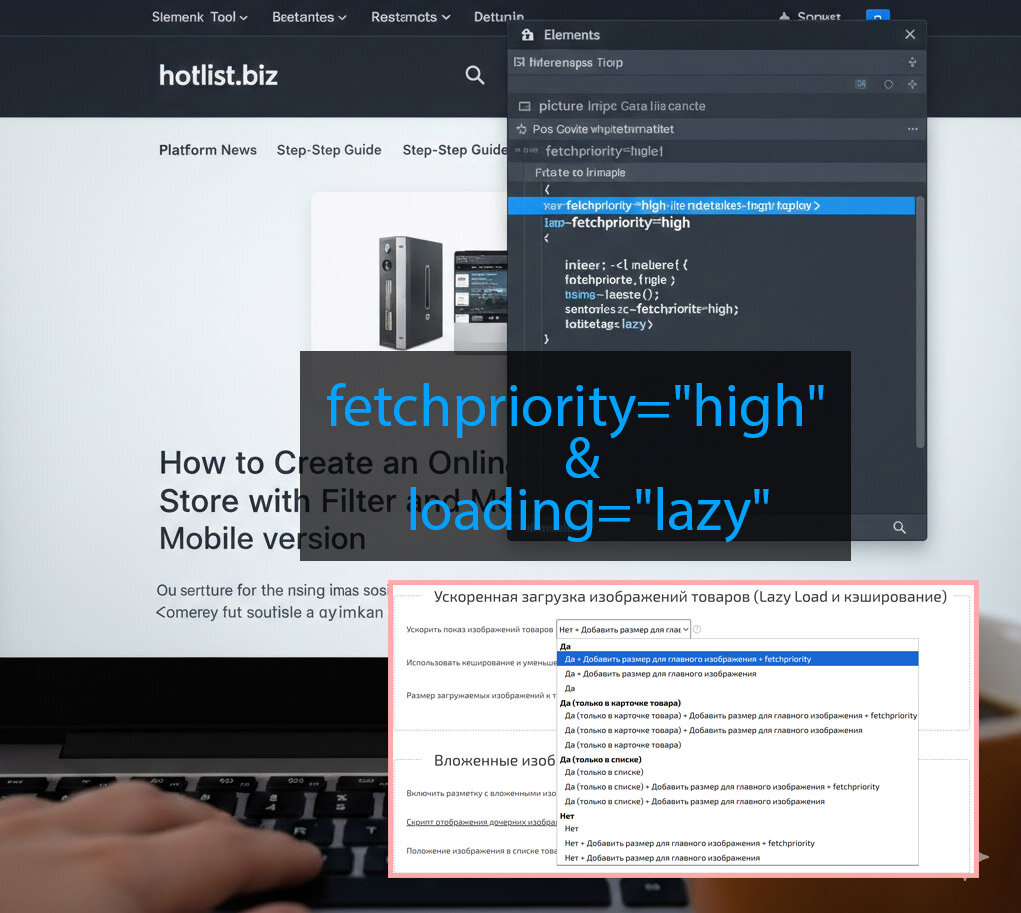
The SAAS platform Hotlist.biz now includes the ability to convert images when uploading products to the WebP format. This format provides faster loading and better image compression, which is recommended for website speed optimization.

Conversion is available both during manual product uploads and automatic imports. To enable conversion, simply check the «Convert to Webp» option when uploading images.

Your products will now be uploaded in a modern image format without the need for prior file conversion, improving website performance and user convenience.


A new option to select manufacturers has been added to the main menu

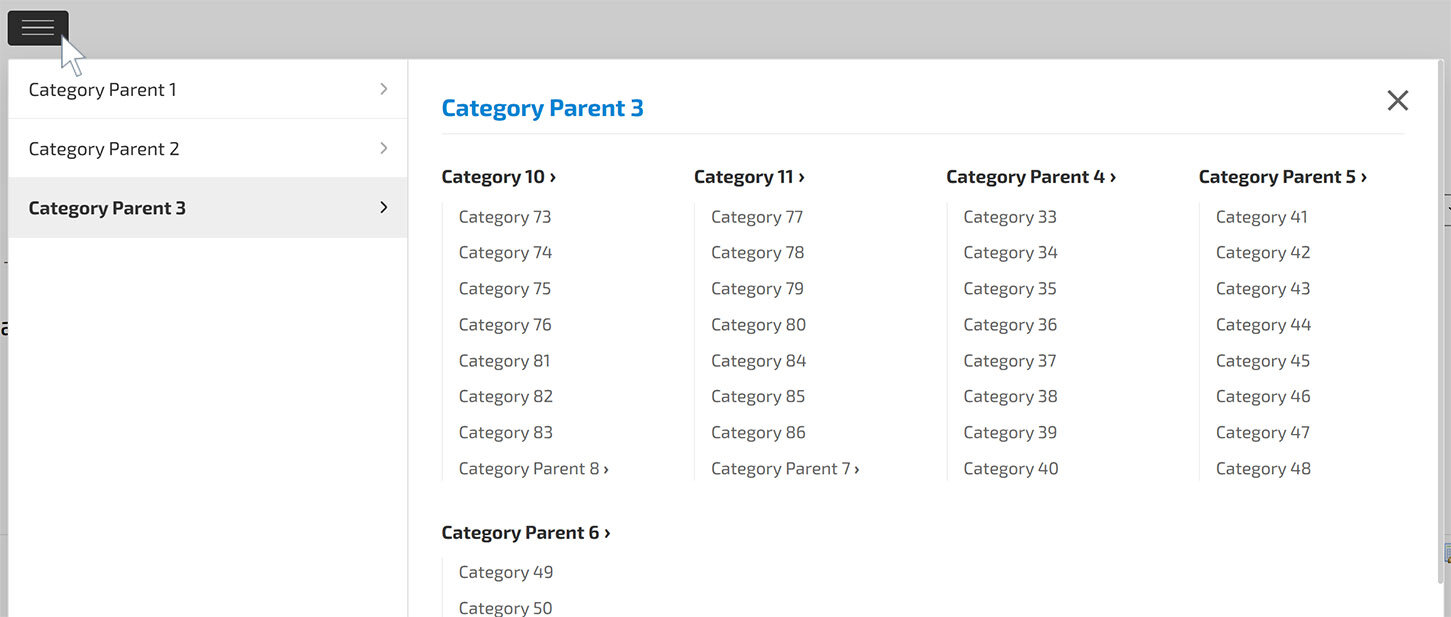
A new feature is now available in the main menu widget — a dropdown list of manufacturers. This allows users to quickly select a brand and go directly to its products.


Added support for a small icon for Store Categories, Manufacturers, and Collections

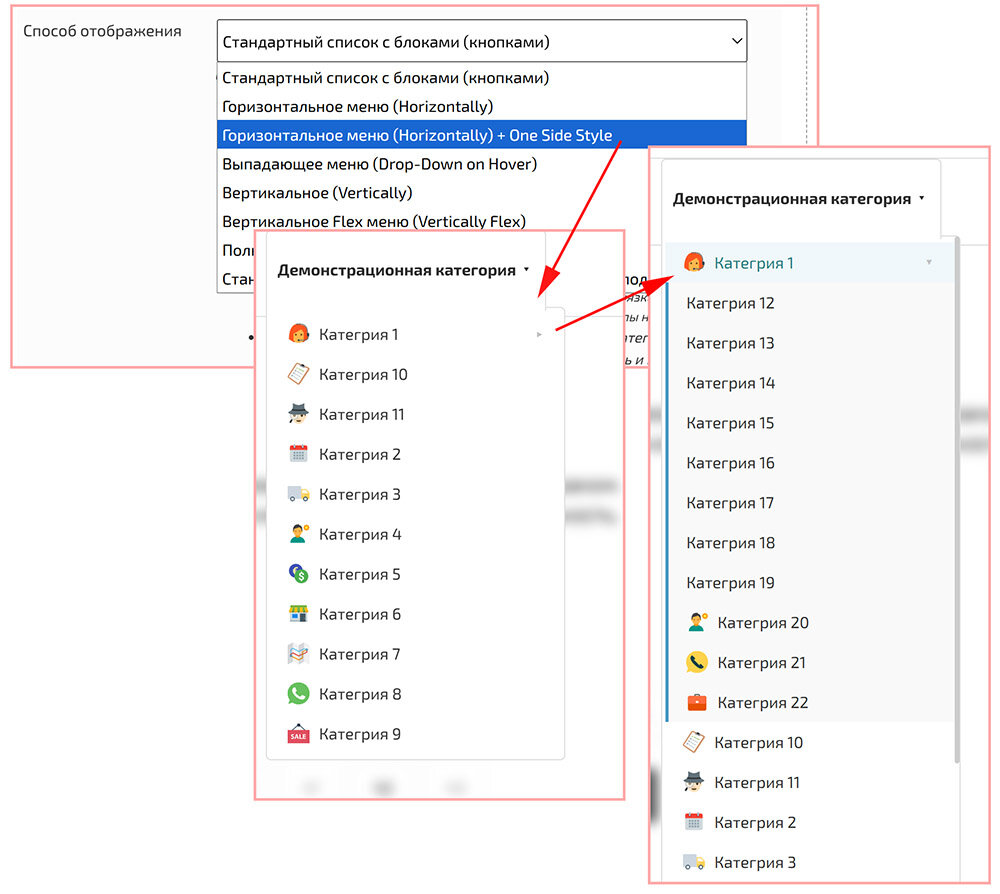
In addition to the large icon (displayed on the category page when opened), a separate small icon is now available. This small icon is shown in all menu locations — in the main menu, dropdown menus, and the mobile menu:

  • Small icons from the built-in library — available in color and monochrome (masked) SVG versions;
  • Custom color can be applied to monochrome SVG icons (via CSS/attribute or through the settings interface);
  • Uploading your own icon files is supported in SVG, WEBP, PNG, JPG formats;

This makes it possible for each category, manufacturer, or collection to display a recognizable small icon in menu items, improving navigation and overall usability.


Added the ability to set icons in the main menu

You can now add icons to the main menu — several options are available to easily customize the appearance and improve the usability of menu items:

  • Icons from the built-in library — both colored and monochrome (masked) SVG are available;
  • You can set a custom color for monochrome SVG icons (via CSS/attribute or the settings interface);
  • Uploading your own icons is supported in SVG, WEBP, PNG, JPG formats;

This gives flexibility: use ready-made colored icons for a quick result, or monochrome SVG if you need consistency and the ability to adjust the color to match the site’s theme.


Scroll mode added to Categories and Producers widget

The platform now features a new horizontal scroll mode for the "Categories" and "Producers" widgets. The mode is activated automatically if the widget has the :scroll-9999 parameter, which sets the maximum screen width for enabling the scroll (if the actual screen width is smaller, the mode is activated).


If the screen width is smaller than specified:

  • The widget automatically switches to horizontal scroll mode;
  • Block widths for categories/producers are calculated including padding and margin across all container levels;
  • Drag-scroll works on desktop;
  • If the second argument is specified in the parameter (:scroll-9999x3), pagination with the specified number of dots is enabled (3 in this example).

If the screen width is larger than specified:

  • Scroll mode is completely disabled;
  • The layout returns to standard display;
  • Pagination (dots) is removed.

How to enable Scroll mode

  1. In the categories or producers widget generator, specify the parameter:
    :scroll-9999 — the screen width below which scrolling is enabled.
  2. If needed, add the number of pagination dots using the second parameter:
    :scroll-9999x3 — the number "3" enables pagination with three dots.
  3. The script activates automatically on page load.

HTML Example (generated automatically)

<div class="hotengine-categories-list"
     data-scroll-width="9999"
     data-scroll-pagination="3">
    ...
</div>

After that, scrolling and pagination work automatically depending on the screen width and parameters set in the widget.

Additional Spam Protection Added


A new level of spam protection has been implemented in the message sending system. Now, verification is performed not only by detecting links, banned words, or phrases, but also by comparing the text with previously sent messages.

If the system detects repeated or fully identical messages, they are automatically marked as spam. This significantly improves filtering accuracy and prevents mass duplicate mailings.