Added fetchpriority parameter for managing product image loading
The Hotlist.biz platform has introduced a new image loading control parameter — fetchpriority. The settings now include an extended set of modes that allow flexible control over how and where images are loaded on the website.
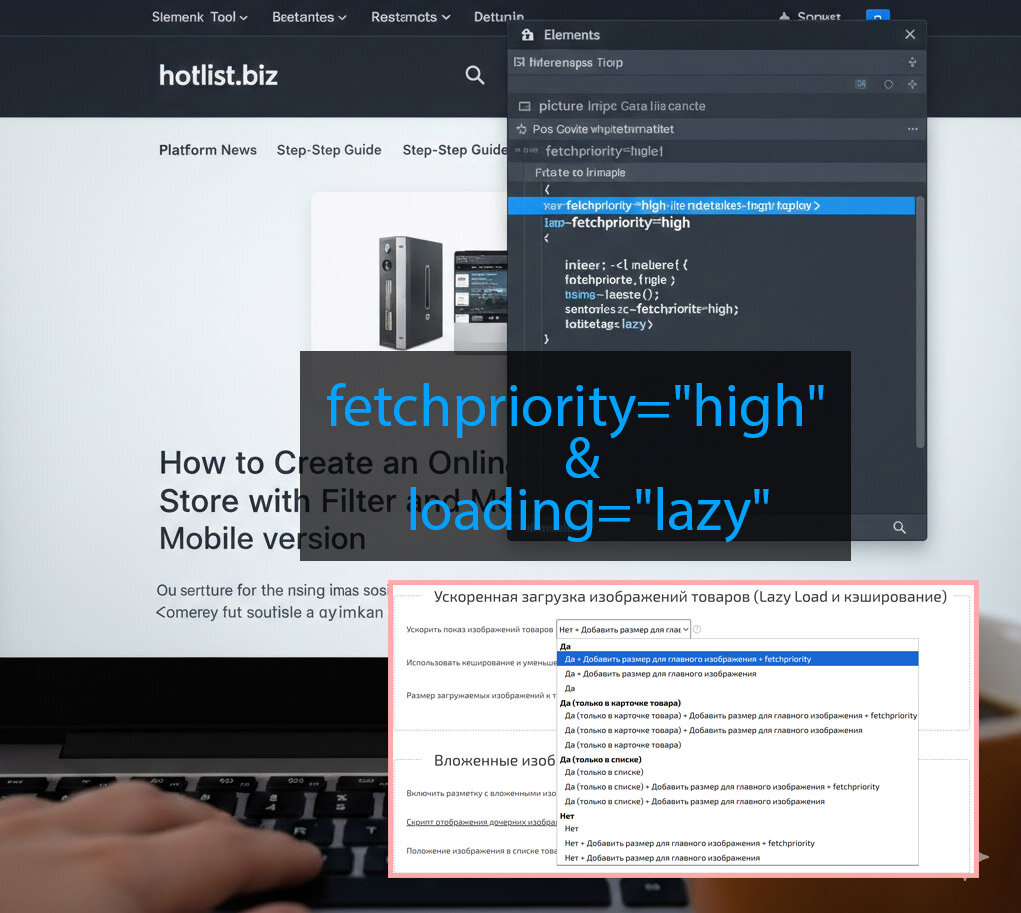
What has changed
The system now provides extended parameters that allow you to:
- enable or disable
loading="lazy" - control adding image dimensions (width/height)
- enable
fetchpriority="high"for priority loading (new parameter) - set different modes separately for product pages and product listings
- fully disable or combine parameters
What are lazyload and fetchpriority
Lazy Load (loading="lazy") is deferred image loading. Images are loaded only when the user scrolls to them. This reduces the initial load and speeds up page rendering.
Fetch Priority (fetchpriority="high") is priority image loading. The browser receives a signal that a specific image (for example, the main product image) should be loaded before other resources. This is especially important for LCP elements.
Full flexibility of control
The new parameters allow combining modes and precisely configuring the loading strategy:
- enable lazyload only where necessary
- add image dimensions to prevent CLS
- assign fetchpriority to main images
- separate settings for product listings and product pages
Why this is important
Flexible image loading control allows you to:
- speed up page rendering
- improve LCP and CLS metrics
- increase Google PageSpeed scores
- reduce server and browser load
- improve behavioral factors
Now Hotlist.biz provides full flexibility in image loading management for maximum website performance and improved Google PageSpeed results.