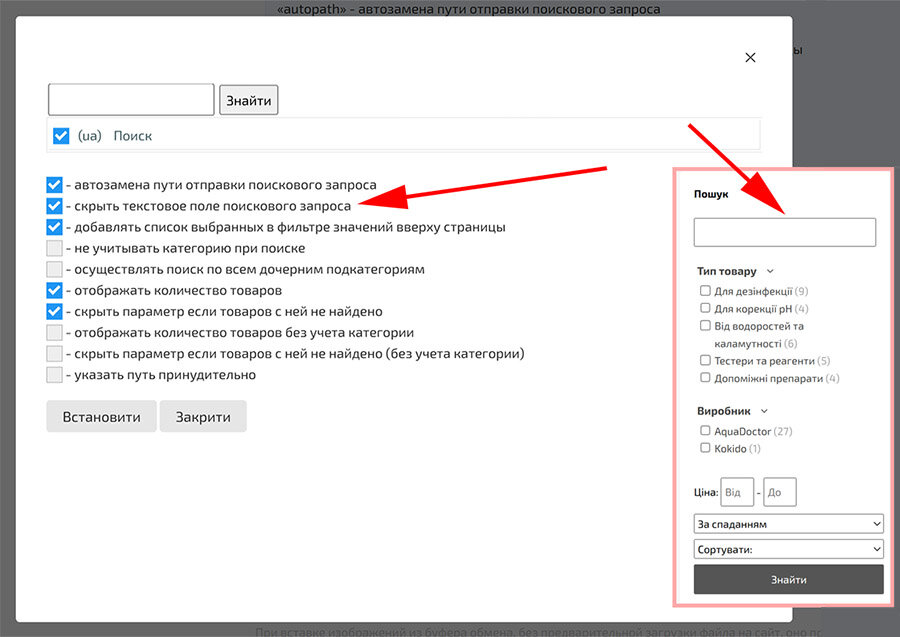
Usability Improvement: Hiding the Search Field in Filters — Additional Parameter
We have expanded the customization options for the «Smart Search» functional menu. Now, the filtering interface can become even more compact.
- New Option: Added the
hide_inputparameter to hide the search text field. - Flexibility: Ideal for pages where filtering is performed only through preset lists or checkboxes.
- Automation: When creating a new menu, the parameter is added by default in the string:
autopath|checkedlist|hide_input.
How to apply: Enable the "Hide search text field" option in the settings or add
|hide_input to the menu parameters string.