Updates and News
Updated goals, added audiences, and added the ability to quickly set up dynamic remarketing.
Setting Goals:
To track goals by events, you need to Import ready-made Goals at https://analytics.google.com/analytics/web/template?uid=D48COZFqSTqK9r0ysqqv4Q
We use ecommece goals, regardless of whether your retail and merchants are included.
In addition, you can use events to create goals. To do this, in the Google Analytics Admin panel, create a Goal.
Audience Setup:
You can import ready-made Audiences at the link https://analytics.google.com/analytics/web/template?uid=s2Gj3xilQ-mDR8QQdXc5iQ Audiences are divided into those who viewed the goods, the basket or made the conversion.
To enable audiences, you need to "Enable the dynamic Google Adwords remarketing code" - site settings, in the "Statistics" tab, as well as follow the instructions for creating dynamic parameters. In the dynamic parameters, not only the data on the scanned product cards is transmitted, but also the basket view, as well as the transition to placing the order.
Instructions for setting up dynamic remarketing can be found on the Settings page, in the Statistics tab.
Setting Goals:
To track goals by events, you need to Import ready-made Goals at https://analytics.google.com/analytics/web/template?uid=D48COZFqSTqK9r0ysqqv4Q
We use ecommece goals, regardless of whether your retail and merchants are included.
In addition, you can use events to create goals. To do this, in the Google Analytics Admin panel, create a Goal.
Audience Setup:
You can import ready-made Audiences at the link https://analytics.google.com/analytics/web/template?uid=s2Gj3xilQ-mDR8QQdXc5iQ Audiences are divided into those who viewed the goods, the basket or made the conversion.
To enable audiences, you need to "Enable the dynamic Google Adwords remarketing code" - site settings, in the "Statistics" tab, as well as follow the instructions for creating dynamic parameters. In the dynamic parameters, not only the data on the scanned product cards is transmitted, but also the basket view, as well as the transition to placing the order.
Instructions for setting up dynamic remarketing can be found on the Settings page, in the Statistics tab.
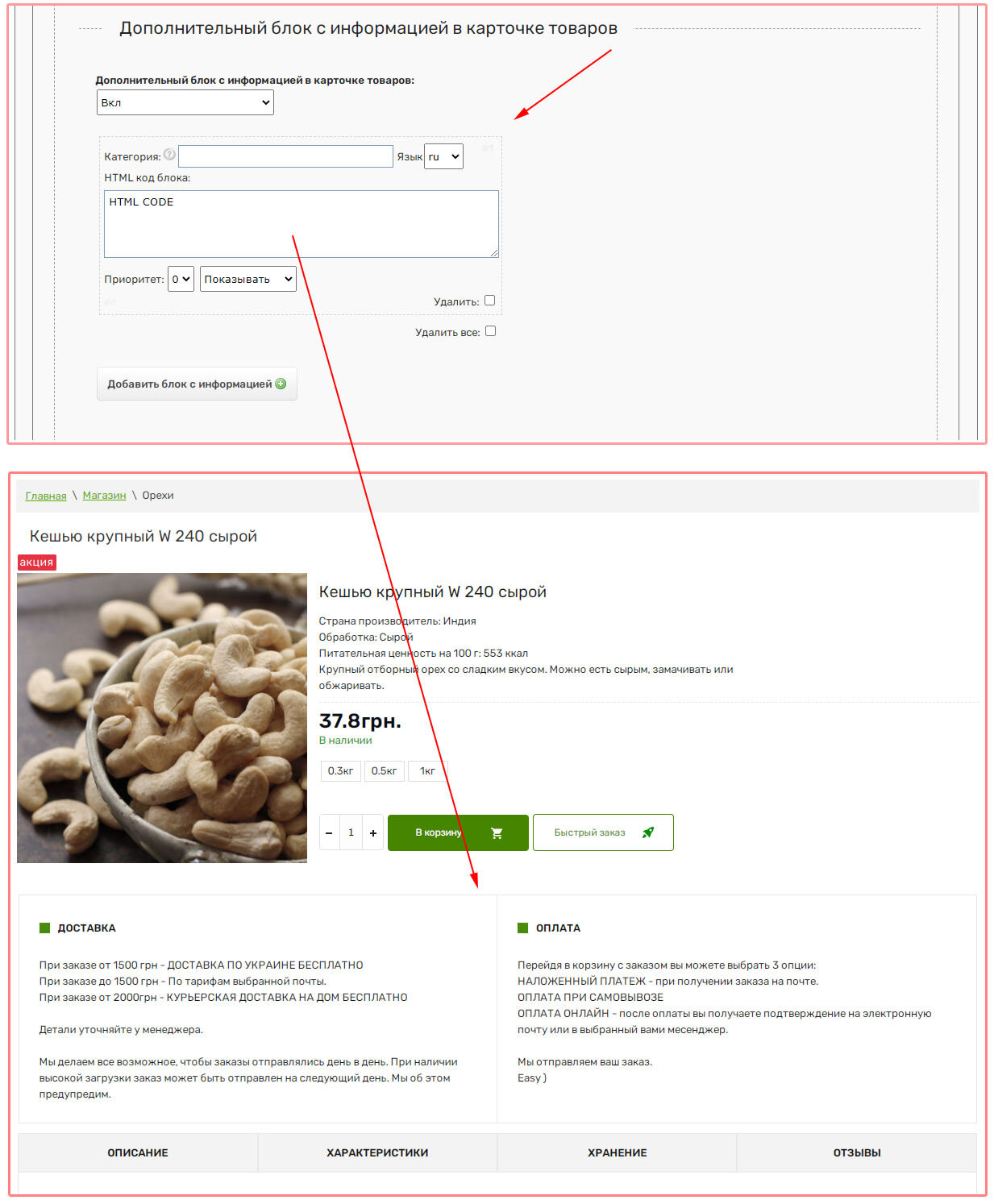
An additional block has been added to the Product Cards, which can be displayed taking into account the "Language" or "Category" being viewed. The block can be created in the "Settings" - "Store" section, in the "Product View / Tabs / Variety" tab.
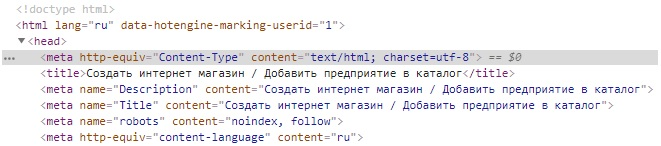
Attention! 08/21/2018 changed the main encoding of the platform
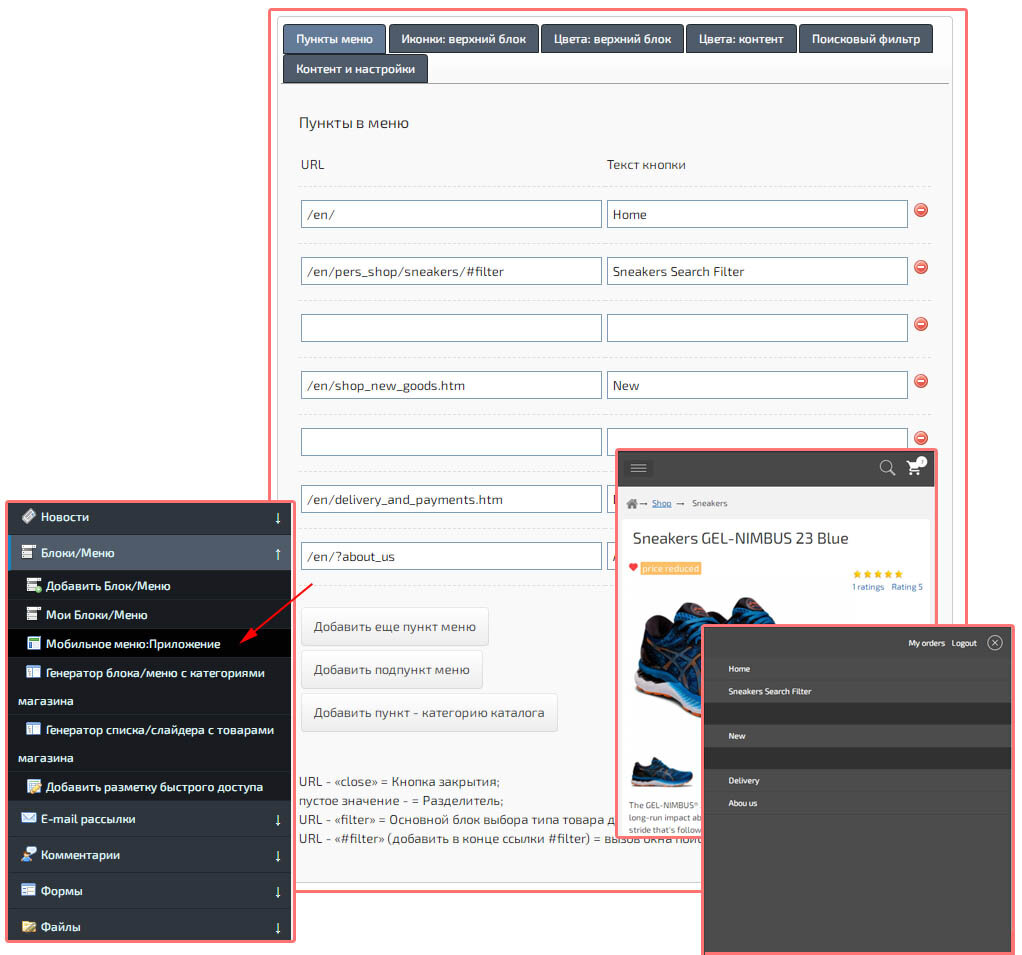
Added a constructor for the Mobile Menu. The constructor allows you to create multi-level menus, specify the displayed icons, element colors, as well as a pop-up search filter for different types of products.
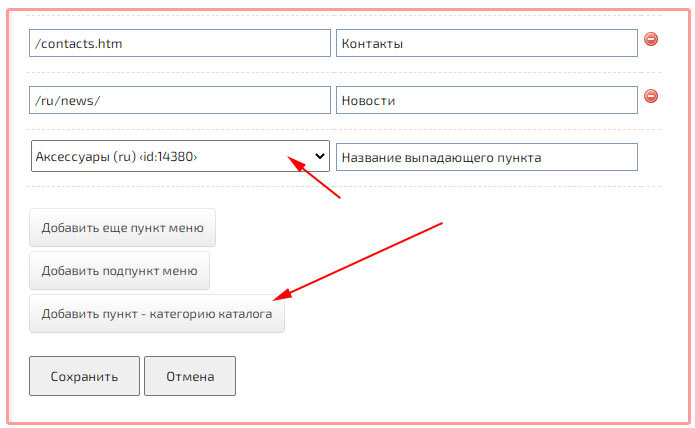
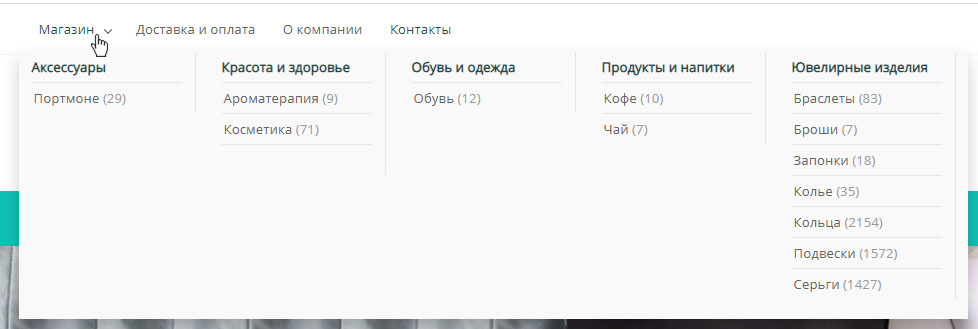
Added a function to insert Store Categories into the main menu (drop-down list).
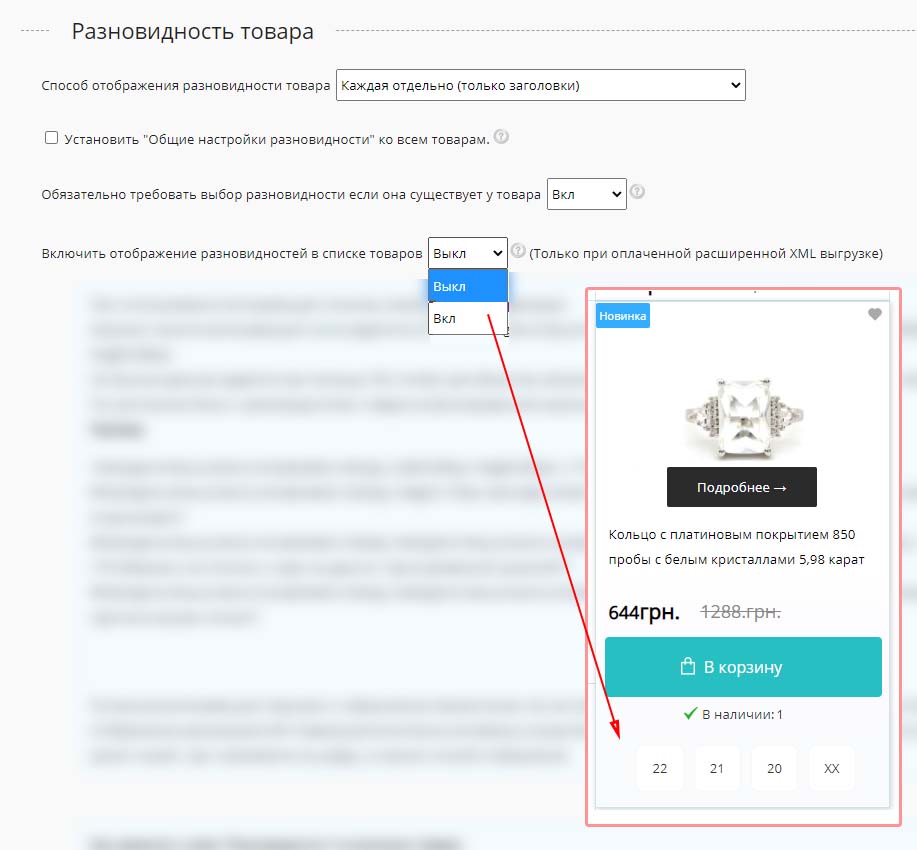
Added the ability to select varieties when viewing the list of products. The function is available for sites with paid hosting.
To ensure the security of the Hotlsit.biz platform, the servers have been moved. Technical errors are possible in the near future. Corrections are in progress, we apologize for the temporary inconvenience.

Added automatic installation of the switch for the number of items added to the cart (Spinner).

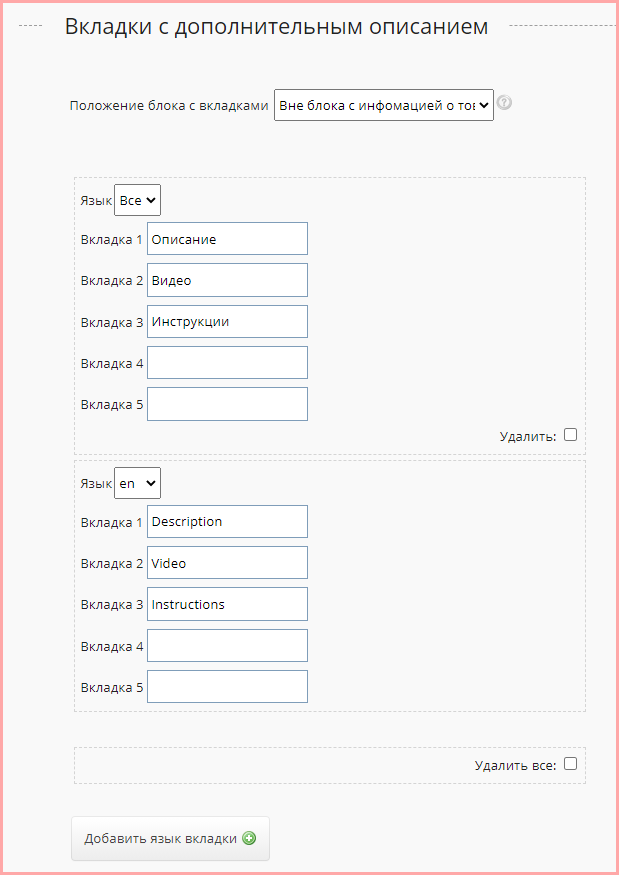
Added translation of tabs in the description of product cards.
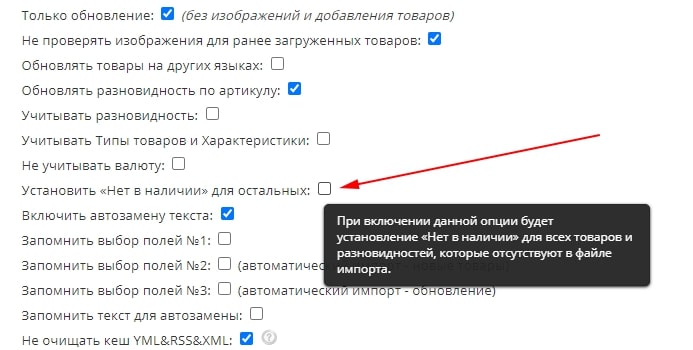
Added "Out of stock" quick setting for all products upon import.



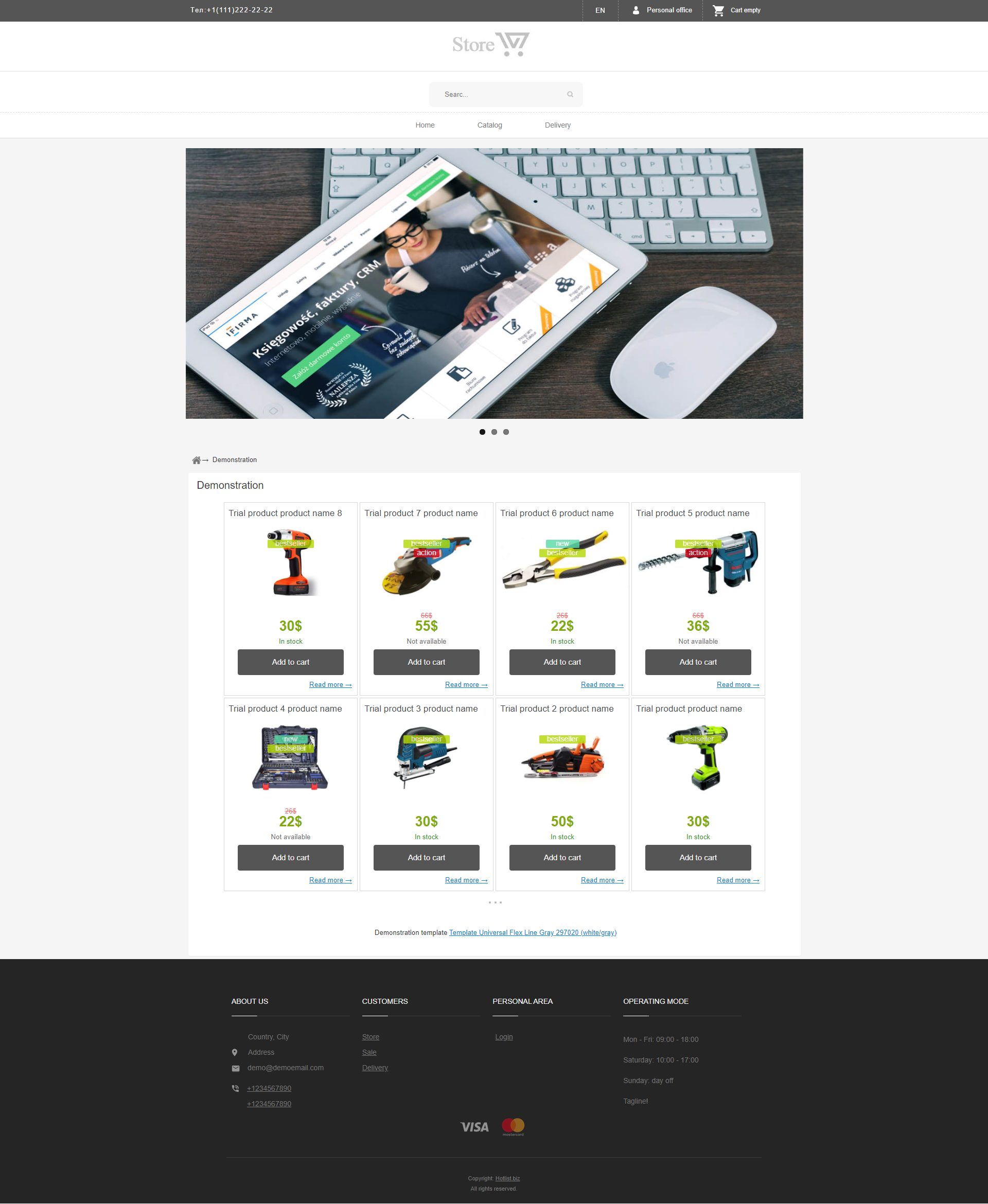
Added SHORTCODE to create a language switcher on the site. This code is installed in responsive templates as well. To enable language switching, you need to place the {HOTENGINE-SC:langmenu} code, and also select the available languages in the settings, in the "Languages and start page" tab, "Available languages".
