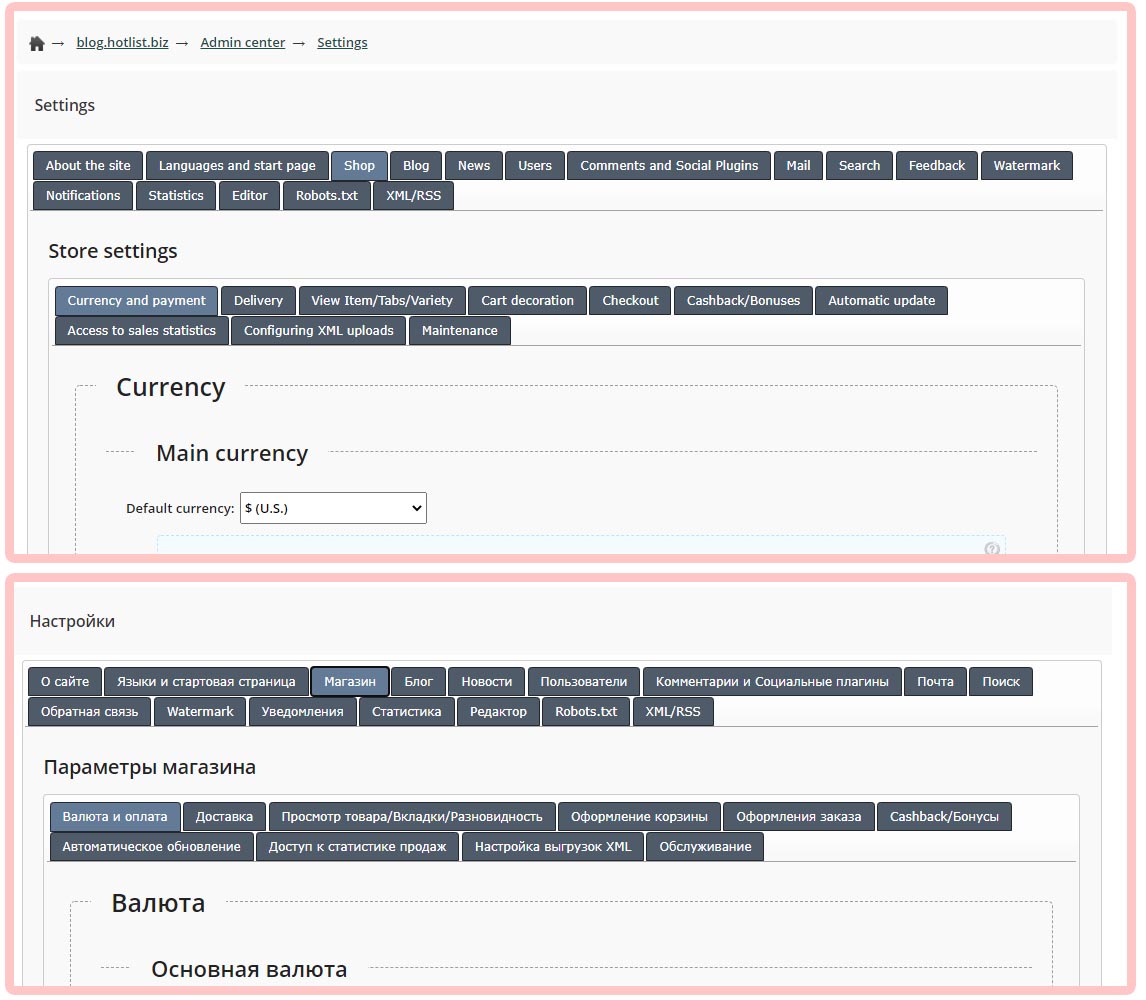
How to make a website "Multilingual":
1) In the site settings, in the "Languages and start page" tab, specify "Available languages".
2) In the site header, place the SHORTCODE of the drop-down menu with the language lists ({HOTENGINE-SC : langmenu})
3) All major important messages and labels are still implemented through CSS styles and can be changed in the "Design Editor". To translate "Tabs", "Delivery Methods" and "Payment Systems" - use the section "Settings", "Store", and while creating an element, specify the required Language for labels and messages.
4) To translate the Letter Templates, use the section "E-mail mailing lists" - "Letter Templates".